


Brat Font Generator – Create Iconic Brat Style Graphics Online
Input Some Text To Generate Your Custom Brat Cover
Most people want to create iconic brat style images, but have no idea where to start. Other design tools feel complicated, fonts are hard to find to match the brat aesthetic vibe. That is exactly why the Brat Font Generator exists.
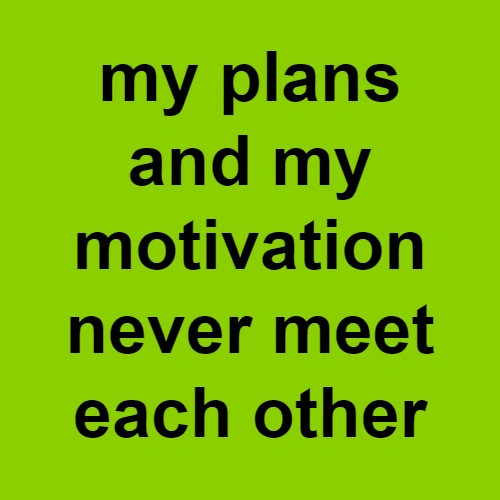
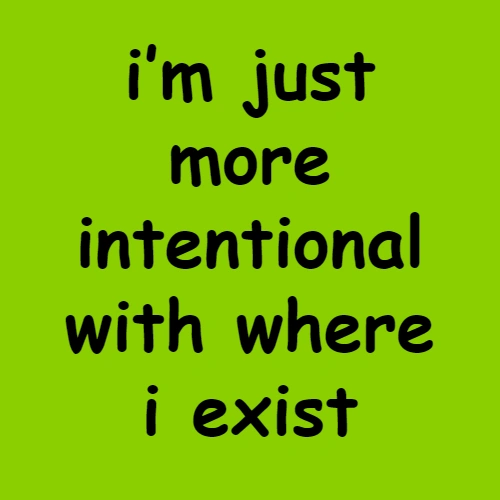
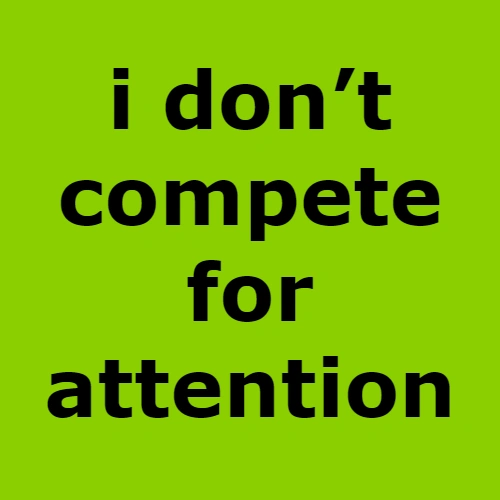
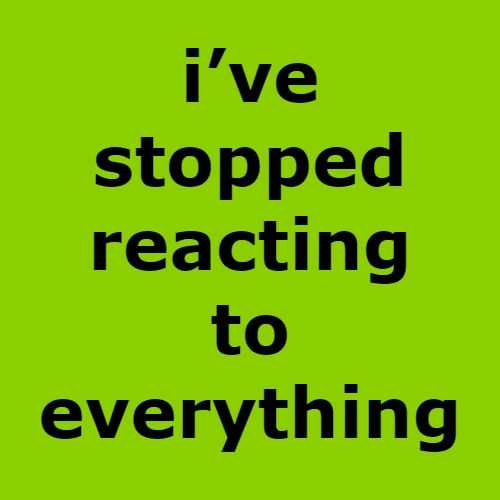
Brat Font Generator gives you everything in one place with no design skills needed. You can choose your typography, pick your favourite background color and adjust the blur effect to get the raw Arial condensed brat Charli XCX album cover in seconds. You can create variations with different unique font styles, adjust text alignments, text color and share your finished design to any social media platforms you like.
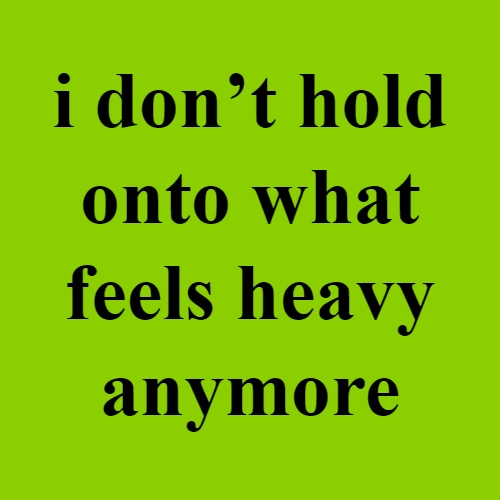
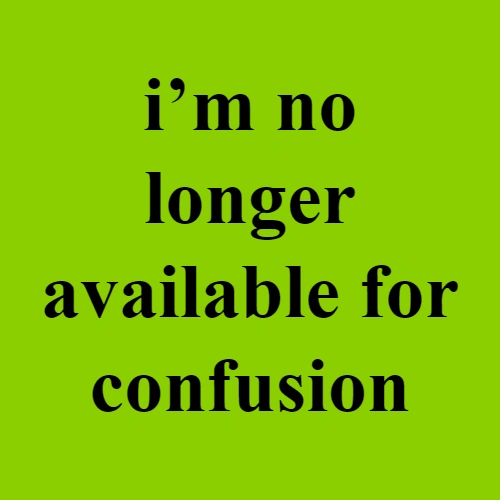
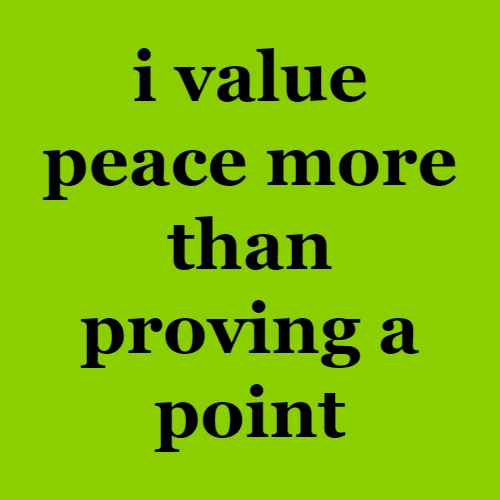
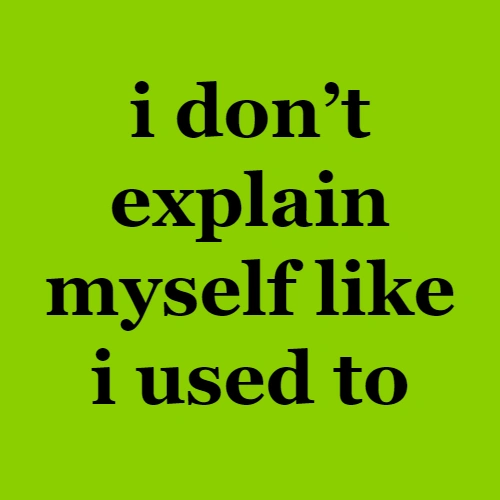
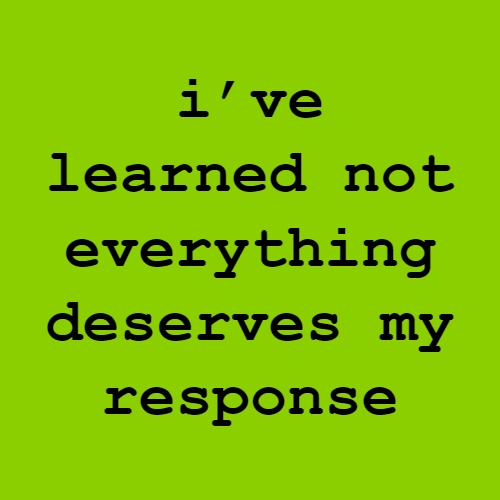
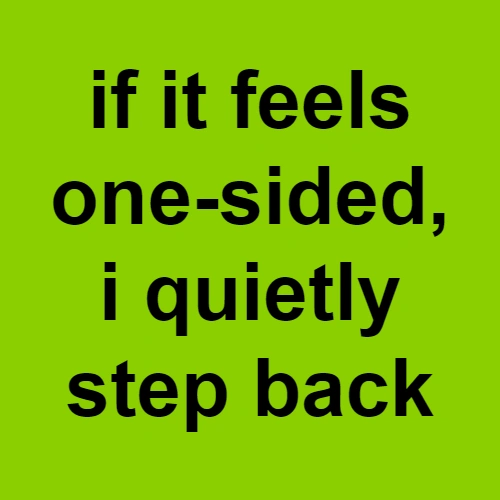
How to Use the Brat Font Generator
Want to create the perfect brat font style image? First, it is very important to understand how the tool works. So, you can follow these simple steps to easily generate brat style images using our advanced Brat Generator.
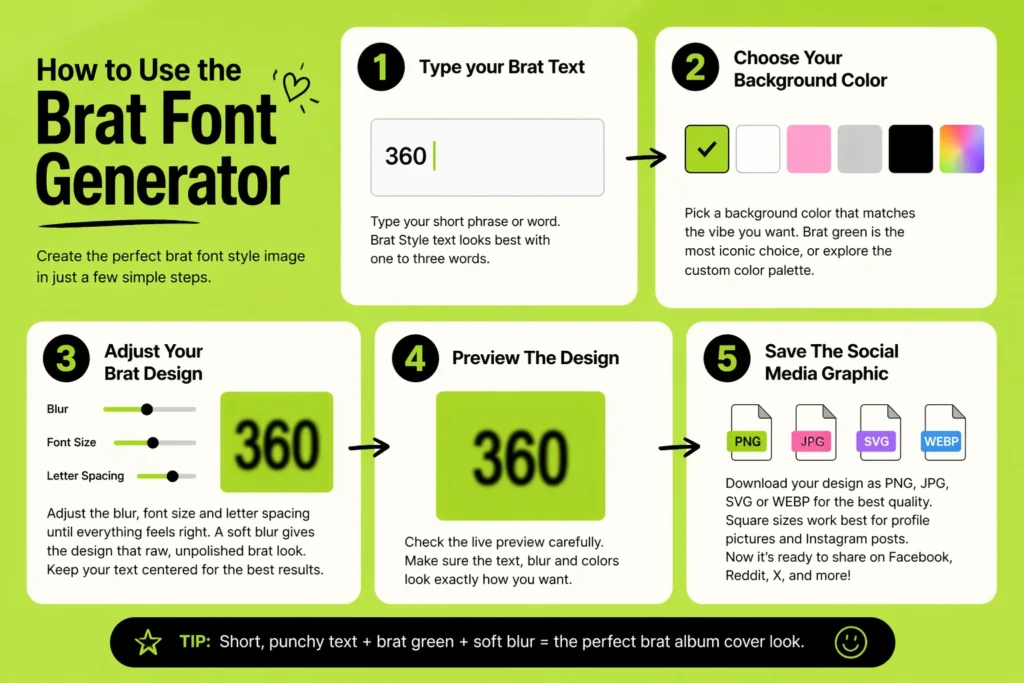
Type your Brat Tex
First, go and open the tool directly in your browser without downloading anything. Click on the text box and type your short phrase or word. Brat Style text looks great with one to three words, because short and punchy text always hits harder than long sentences.
Choose Your Background Color
After typing your phrase, the next step is to pick a background color that matches the vibe you are going for. Brat green is the most iconic and recognizable choice but the tool also gives you a custom color palette to explore.
Adjust Your Brat Design
Now you adjust the blur, font size and letter spacing until everything feels good. A soft blur effect gives the design look like raw unpolished Charli XCX album cover. Keep your text in the center of the canvas that always produces the clean brat album cover results that you want.
Preview The Design
Before you save anything, take a careful look at the live preview on your screen. Make sure the text fits well, the blur looks intentional and the colors are working together the way you had in mind. It is always easier to make a small adjustment now than to redo the whole thing after downloading.
Save The Social Media Graphic
Once the design looks exactly the way you want it, hit the download button and save it as a PNG, JPG, SVg and WEBP for the best brat style image quality. You need to use square sizes because it works best for profile pictures and Instagram posts. After that, the file is ready to share on different social media platforms like Facebook, Reddit, and X, as you like.
What Makes the Brat Font Generator So Popular
The Brat Font Generator is a simple online tool that lets you create text and graphics inspired by the Brat album cover design by Charli XCX. The album cover became popular for its bright neon green background and clean lowercase typography that feels bold and minimal. The narrow Arial style font combined with a soft blur and rough edges gives every design that raw and low tech feeling people instantly recognize. Anyone can recreate that iconic Brat aesthetic with this tool in just a few clicks.
With this brat tool, you can type your own text and place it on colorful backgrounds like Brat green (#8ACE00), pink, or white. You can also adjust the alignment, try different typography styles, and instantly preview how the design looks. It is great for making social media graphics, memes, profile images, or album-cover-style visuals. Best of all, you don’t need any design skills to create something that captures the bold Brat vibe.
Tips That Make Your Brat Design Stand Out
Top Features of Brat Font Generator
This tool comes loaded with thoughtful features that make it far more useful than most basic text tools out there. Every feature is designed to help you capture that raw, iconic brat aesthetic without any extra effort.

Color Selection
This tool gives you full control over your background color. The bright neon green, often called brat green (#8ACE00), became instantly recognizable after appearing on Charli XCX’s Brat album cover. But you are not locked into just one option; darker greens, soft pinks, flat black, and clean white are all available. So you can match the mood of your design without losing that signature brat energy.

Font and Typography Control
This tool uses an Arial Narrow style font that captures the tight, minimal typography that the Brat album cover is known for. You can adjust the letter spacing and font stretch to add impact and edge to your text. Keeping words centered with enough breathing room around them makes the message feel punchier and more intentional every single time.

Blur and Roughness Adjustment
The soft blur effect is what gives brat style graphics that raw, low resolution, and slightly unfinished look that people instantly recognize. The tool lets you control exactly how much blur is applied, so you can get it perfectly. A light touch works best because too much blur hurts readability, while too little makes the design feel overly clean and generic.

Instant Live Preview
Every change you make appears on screen in real time preview. You can adjust the color, tweak the blur, or edit the text, and update the preview instantly, so there is no guessing involved. You always know exactly how your final Brat font image will look before you download it.

Multiple Export Options
Once your design is ready you can download it in several preset sizes to suit different social media platforms. Square formats work perfectly for profile pictures and Instagram posts. Wide formats are ideal for Twitter headers and Facebook banners. Vertical formats are built for Instagram and Snapchat stories.

Free and Easy To Use
This tool is completely free to use with no sign up, no downloads, and no design experience required. Whether you are creating social media graphics, memes, album cover inspired visuals, or profile images, the tool makes the entire process simple, fast, and genuinely fun.
Conclusion
The Free Brat Font Generator is truly one of the easiest and most enjoyable tools available for creating brat style graphics online. From the iconic brat green background to the signature Arial Narrow font and soft blur effect. Everything you need to recreate that raw Charli XCX album cover aesthetic is right here in one place. There is no complicated setup, no design experience required and no reason to look anywhere else.
The tool runs smoothly in any browser, works perfectly on mobile and gives you complete control over every part of your design. Whether you are making a meme, a profile picture, a social media graphic or just something fun to share with friends, the whole process takes just a few seconds from start to finish. If you are ready to create something that truly captures the bold and brat aesthetic, this is the tool to do it with.
Tools You Might Like


FAQ About Brat Font Generator
This is a free online tool that lets you create graphics inspired by the Charli XCX Brat album cover. Just type your words, pick a background color, and download your finished design in seconds.
The tool focuses specifically on font styling and text based designs. A Brat Generator is a broader term that may include image overlays or sticker features as well.
Yes, the tool is completely free to use with no sign up or hidden charges. Just open it, create your design and download it without paying anything at all.
This is a free online tool that lets you create graphics inspired by the Charli XCX Brat album cover. Just type your words, pick a background color, and download your finished design in seconds.
The tool uses an Arial Narrow style font just like the original Brat album cover. Additional font options are also available so you can explore different styles while staying true to the aesthetic.
The tool offers flat solid colors including brat green (#8ACE00), soft pink, white and flat black. Each background shifts the mood of your design while keeping the brat aesthetic intact.
Once your design is ready, simply click the download button, and it saves as a PNG file. PNG keeps the colors sharp and the edges clean across every platform and device.
Yes, the designs you create are yours to use however you like. There are no restrictions whether you are creating content for personal use, social media or commercial projects.